
CONTACT US TO LEARN MORE

Switch to Our New Parts Portal

The New Fleetrite.com Is Here

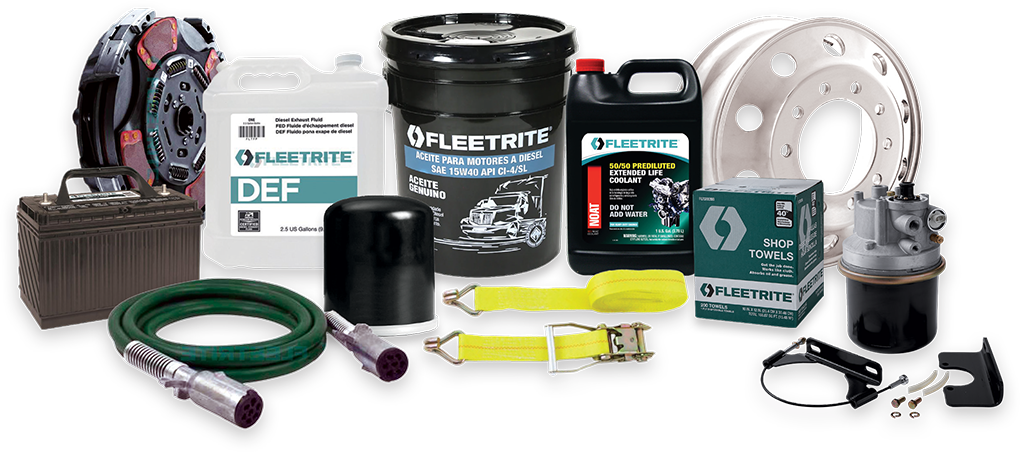
RepairLink is transitioning to the new Fleetrite Parts Portal for all makes and models by the end of September 2026. Sign up today to enjoy online checkout, exclusive pricing and promotions, and easy order management—all in one place! Watch the tutorials below to get started or contact our Parts Department to help you register for an account.
Fleetrite

Order Faster

Find parts fast by searching VIN, keywords, or cross-reference numbers.
Fleetrite

Exclusive Pricing

Get first access to quarterly deals on truck parts for all makes and models.

Fleetrite

Track Orders

Review order history, track orders, and manage your account all in one place.
Fleetrite Registration

Instructions to Register

Follow the instructions below, watch the tutorial video, or contact our Parts Department to help you register and access your new Fleetrite Parts Portal account! Contact Us



1. Visit beta.fleetrite.com

2. Open the Menu and Select “Create Account”

3. Complete Your Registration

Video Tutorial 1:

How to Create an Account on Fleetrite.com

Video Tutorial 2:

How to Add or Switch Stores on Fleetrite.com

Video Tutorial 3:

How to Search and Order a Part on Fleetrite.com

Video Tutorial 4:

How to Configure Your Company and Profile Information

Video Tutorial 5:

How to Bulk Upload Parts

Video Tutorial 6:

How to Search by Cross-Reference

Video Tutorial 7:

How to Manage and Track Your Orders

Video Tutorial 8:

How to View Product Details, Price, and Availability